GUINEO
A single tool to control your boards and camerasA software designed
to simplify the user experience
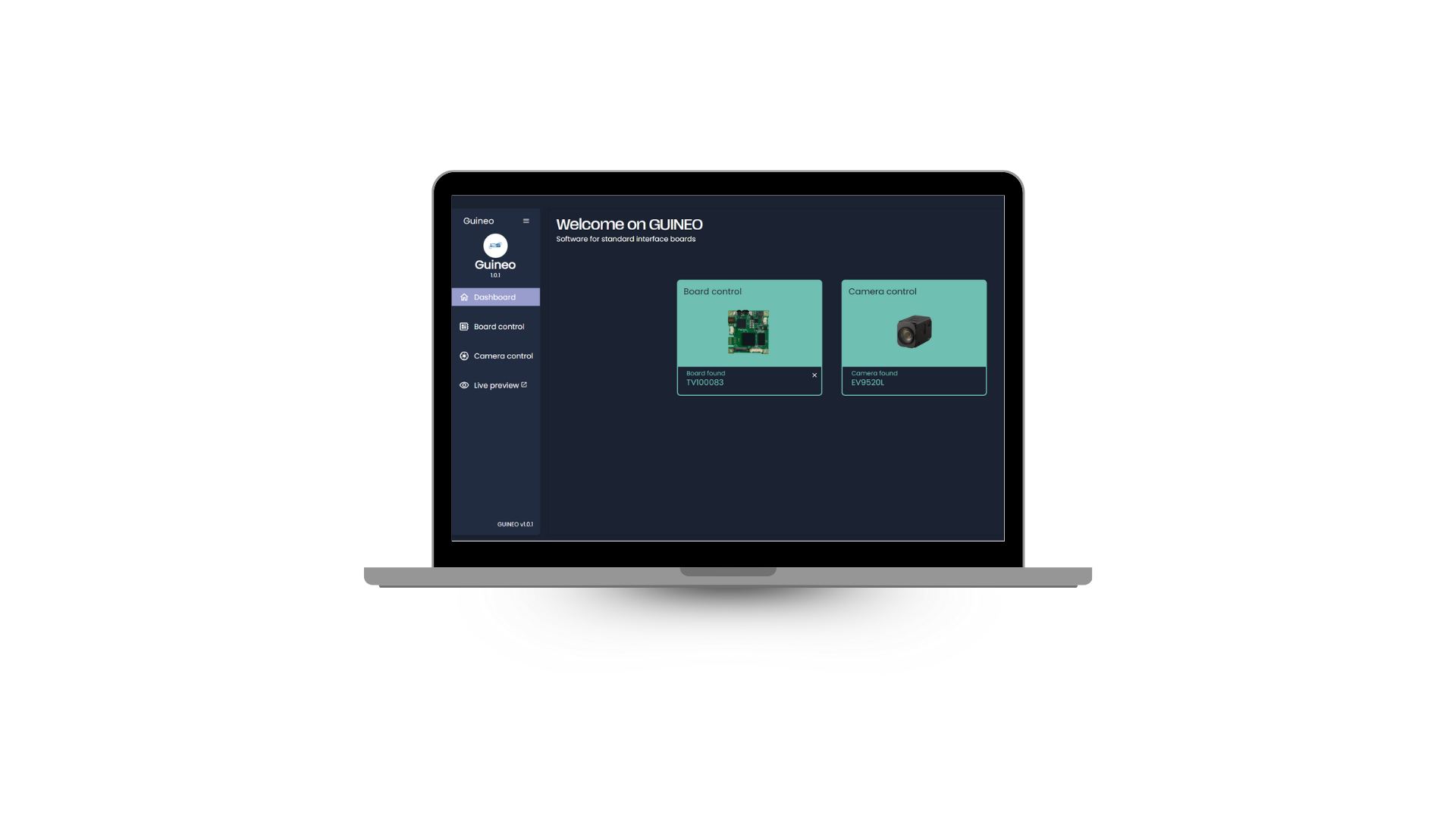
Guineo simplifies the Visca protocol, allowing you to send basic camera commands even without knowing the protocol.
- Automatic board and camera detection
- Camera page can be optimized according to the commands used
- Configurable internal board registers and camera registers
- Video stream accessible with USB3 Neo board
- Cross-compatible web tool
Check your board compatibility with Guineo here
| HD camera detection and communication | 4K camera detection and communication | HD video stream | 4K video stream | Board internal register management | ||
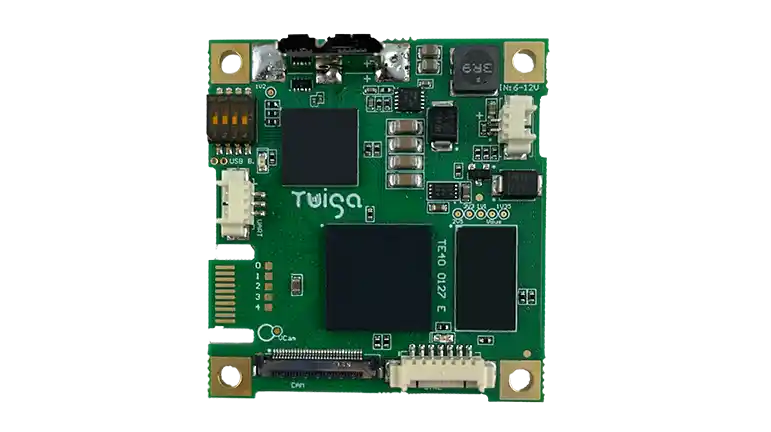
| TV10 0083 | USB 3 Neo | ✓ | – | ✓ | – | ✓ |
| TV10 0032 | HDMI | ✓ | – | – | – | – |
| TV10 0090 | 3G-SDI Premium | ✓ | – | – | – | ✓ |
| TV10 0096 | 3G-SDI Neo | ✓ | – | – | – | ✓ |
| TV20 0011 | Red Mamba Neo | ✓ | – | – | – | – |
| TV20 0012 | Blue Mamba Neo | ✓ | – | – | – | – |
| TV10 0070 | LVDS to Analog & HDMI | ✓ | – | – | – | – |
| TV10 0071 | LVDS to Analog | ✓ | – | – | – | – |
| TV20 0008 | 4K to USB3 | – | ✓ | – | ✓ | – |
| TV10 0077 | HDMI 4K | – | ✓ | – | – | – |
| TV10 0097 | HDMI 4K60 | – | ✓ | – | – | ✓ |
| TV10 0080 | 6G-SDI | – | ✓ | – | – | – |
QUICK START
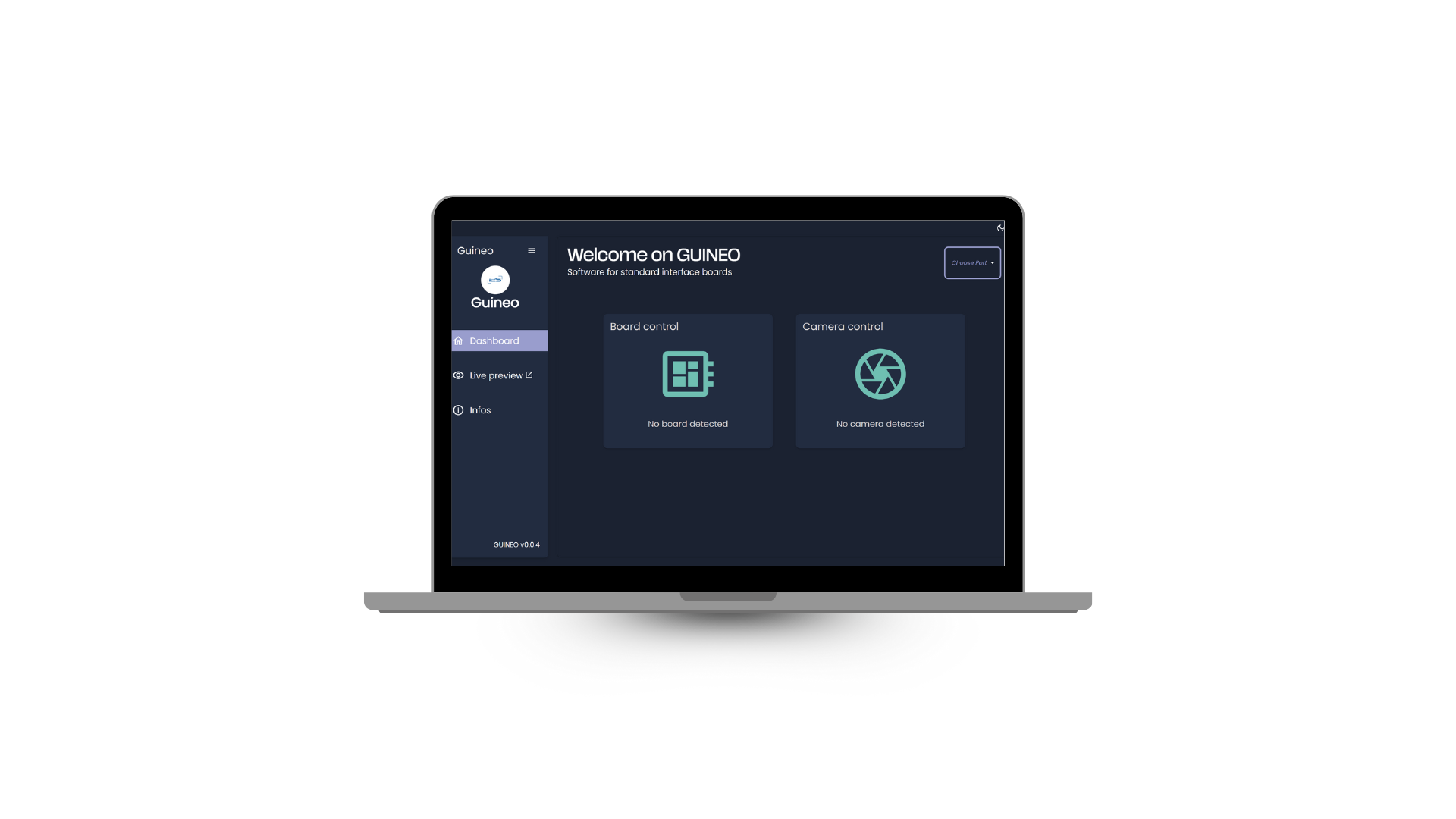
Step 1
Connect your camera system + powered and functional board to the PC (UART to USB communication)
Then launch the Guineo tool
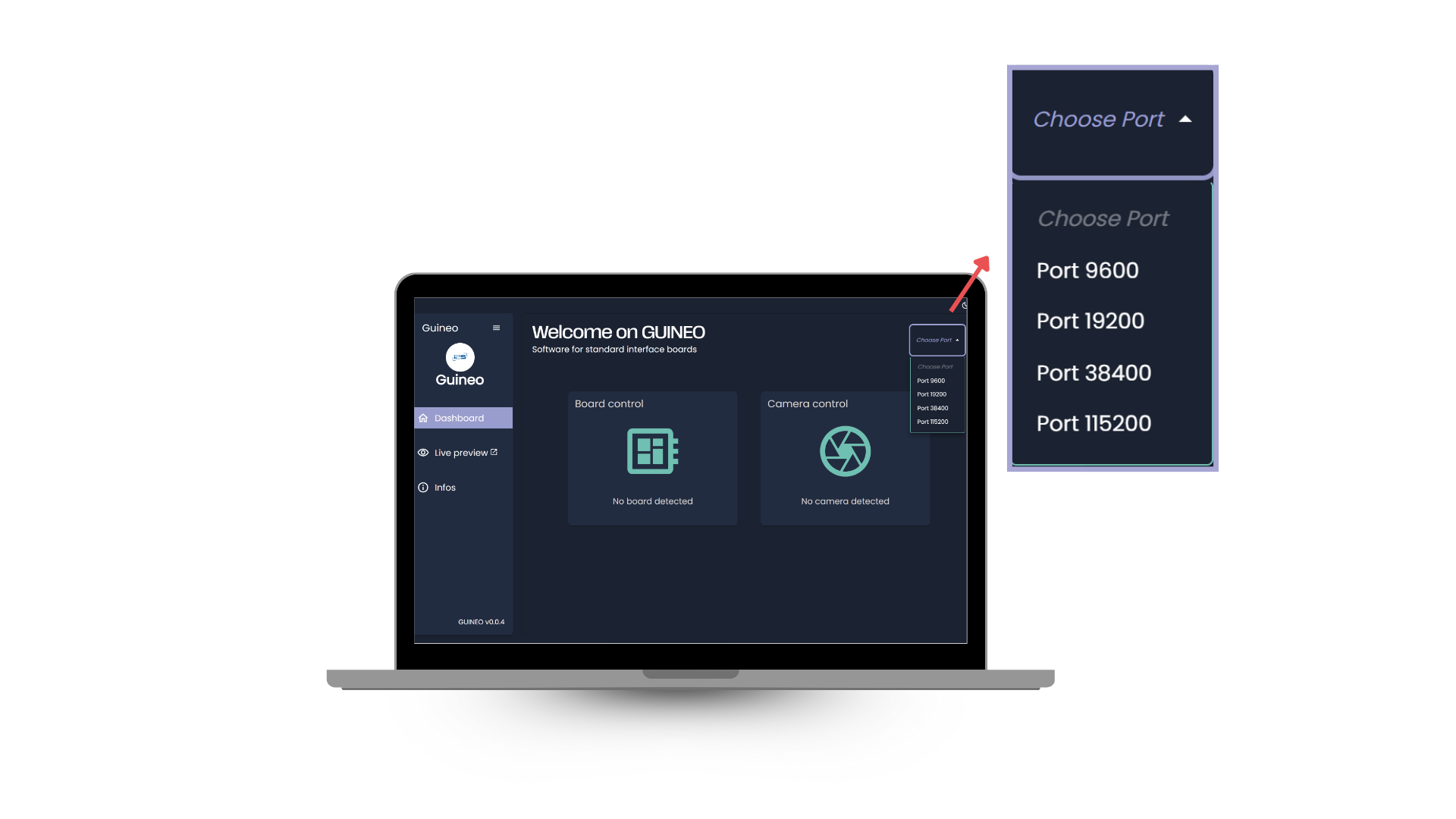
Step 2
Select the camera's baudrate and COM port
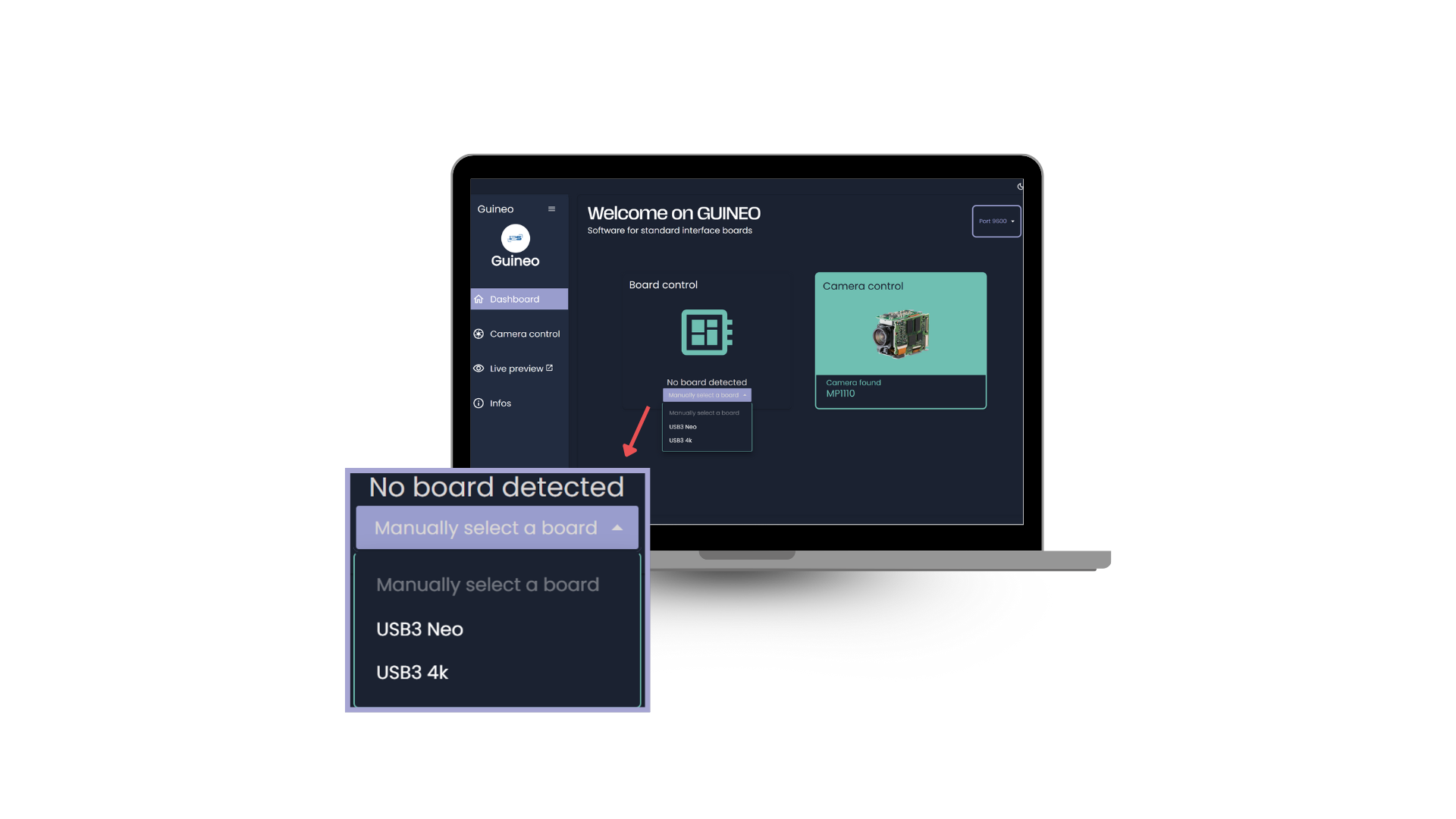
Step 3
Select the board
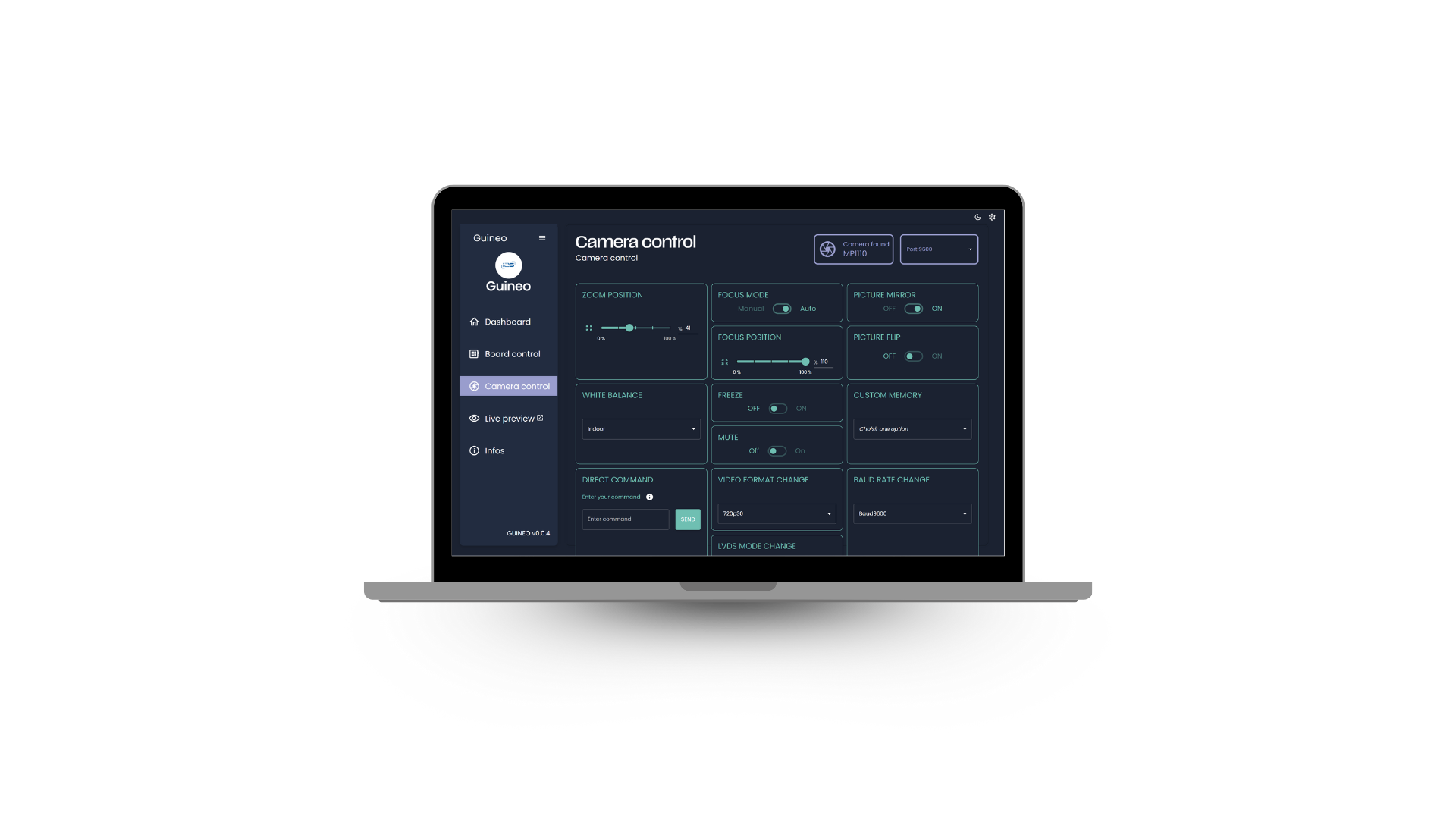
Step 4
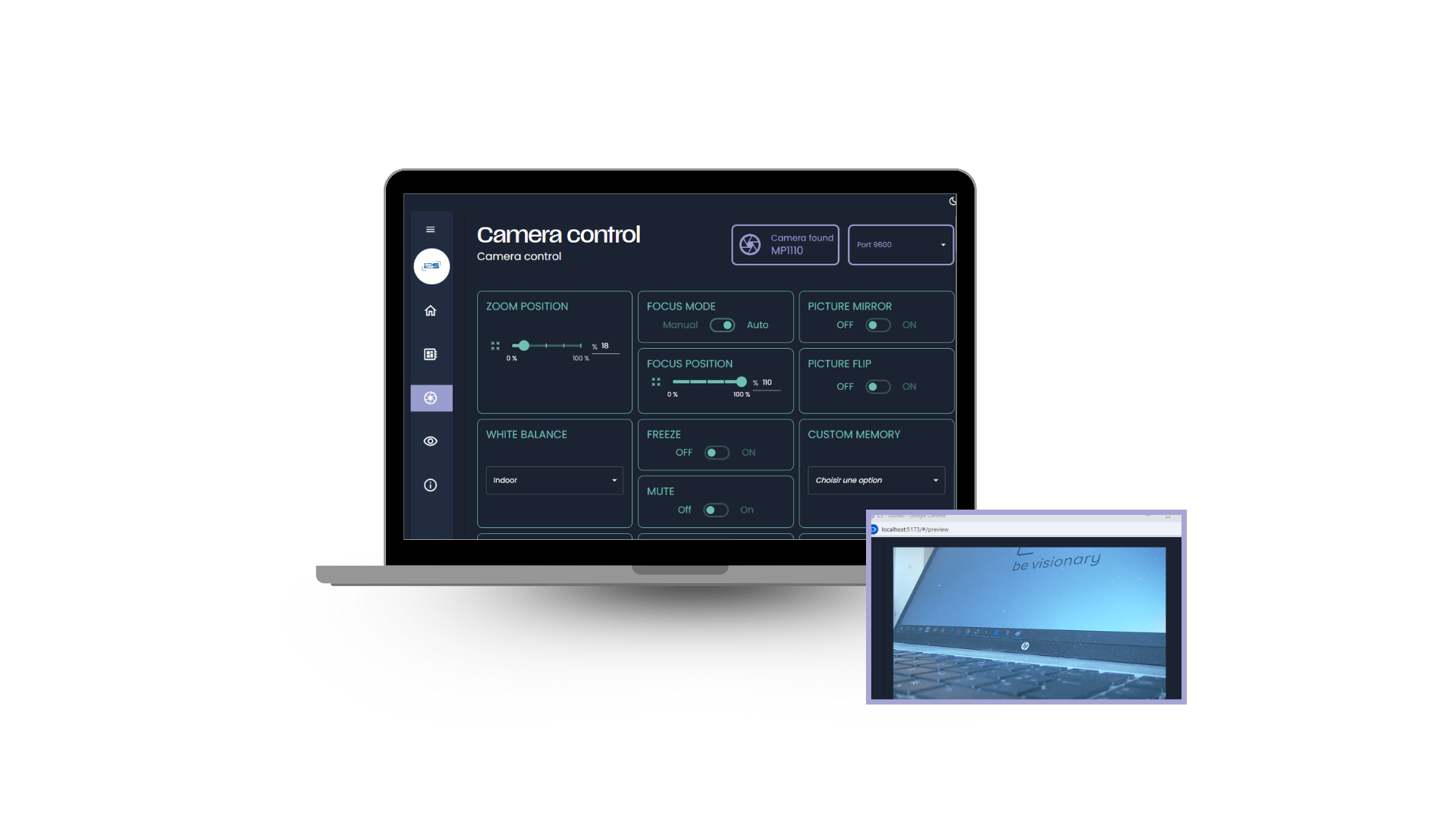
You can now send the commands to the camera and manage the board configuration
Step 5
You can also access the video stream
A tool crafted for
your custom solution
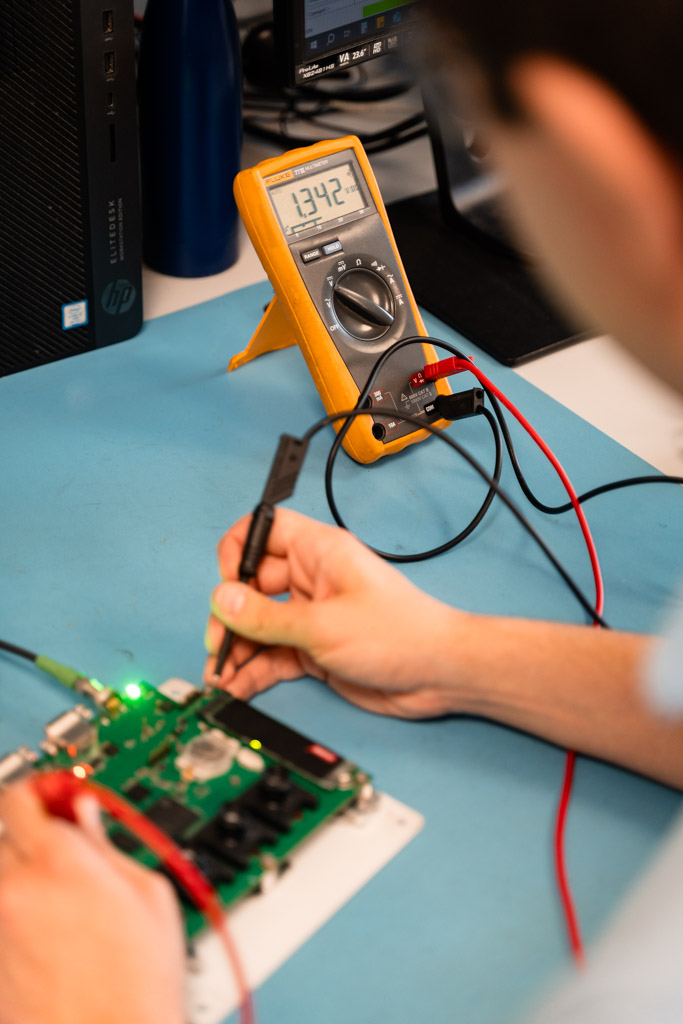
Beyond our Guineo interface, which makes using our santard boards effortless, Twiga brings deep expertise in designing, manufacturing, and customizing electronic boards.
We deliver fully tailored solutions based on your specifications for imaging and video projects, serving a wide range of industries while ensuring reliable, high-performance integrations.
Video interface boards